walkthrough
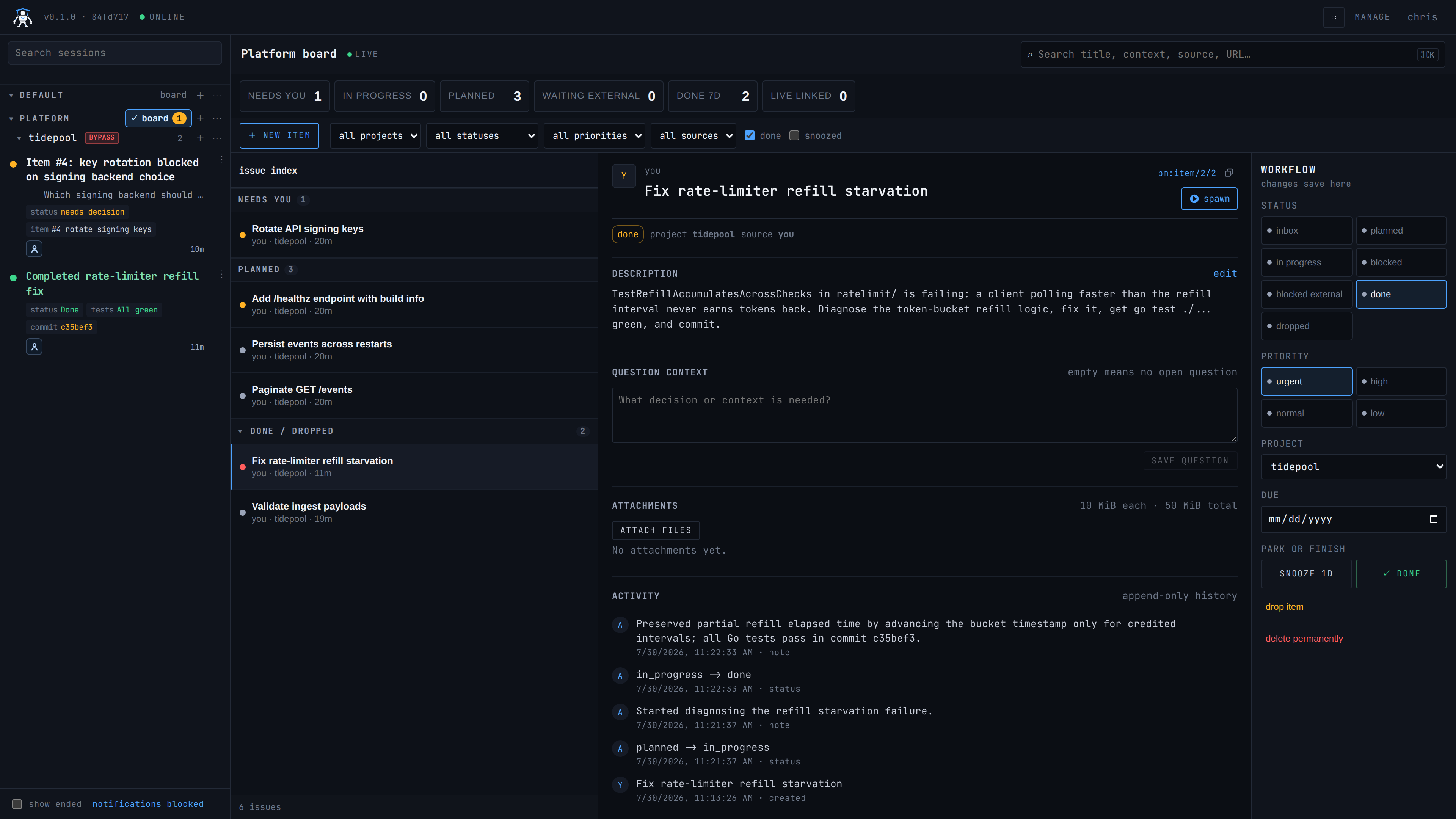
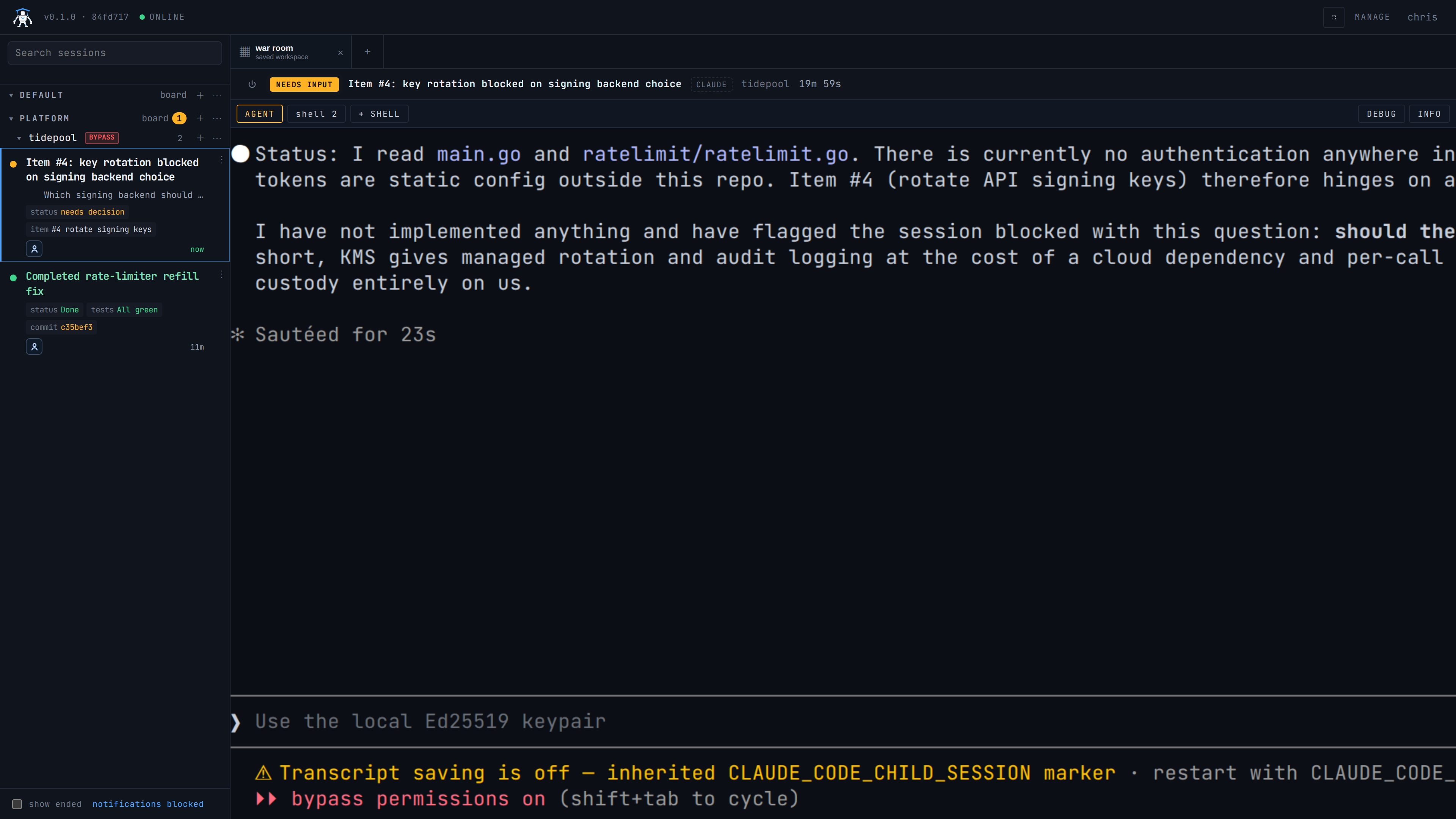
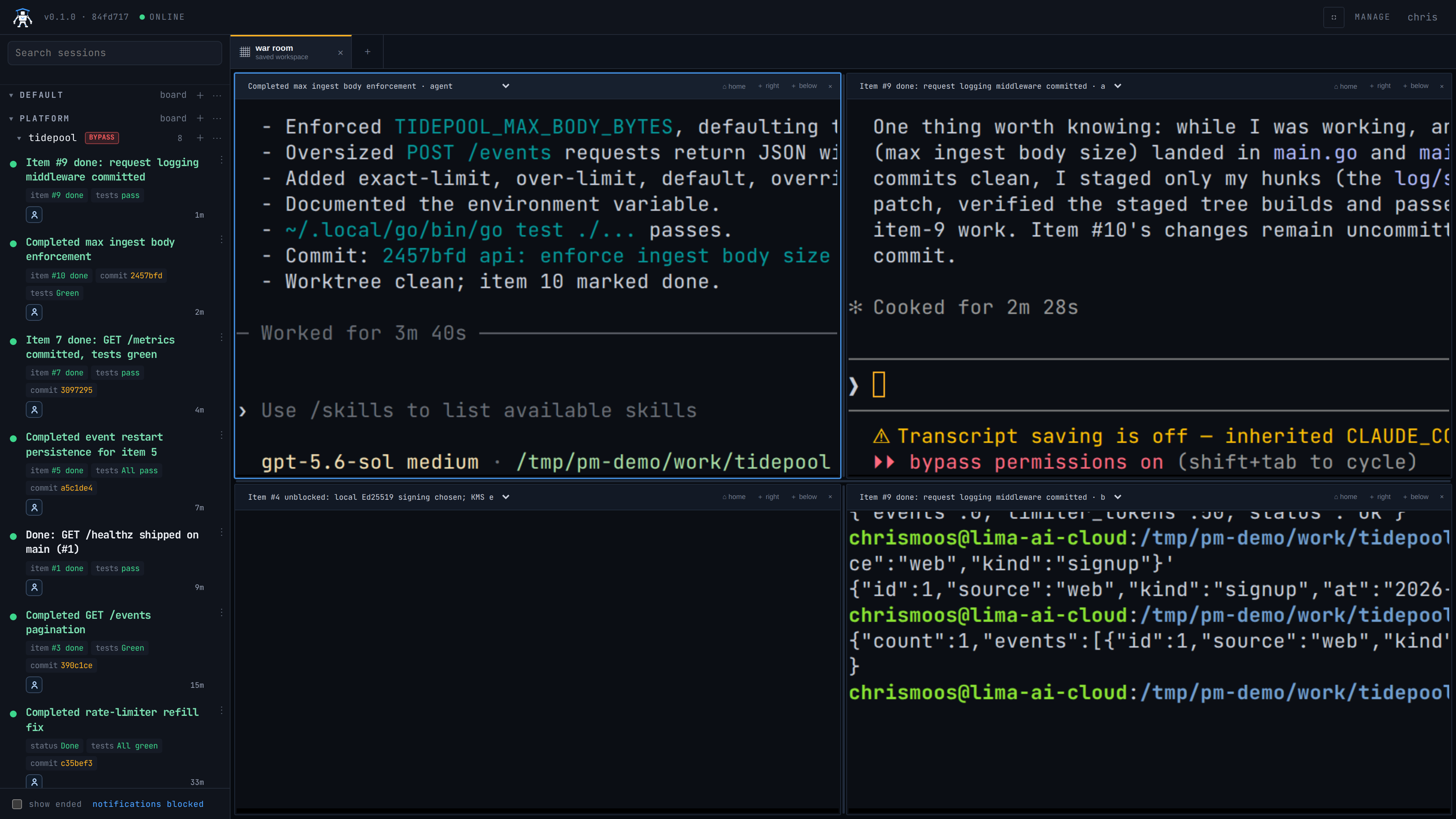
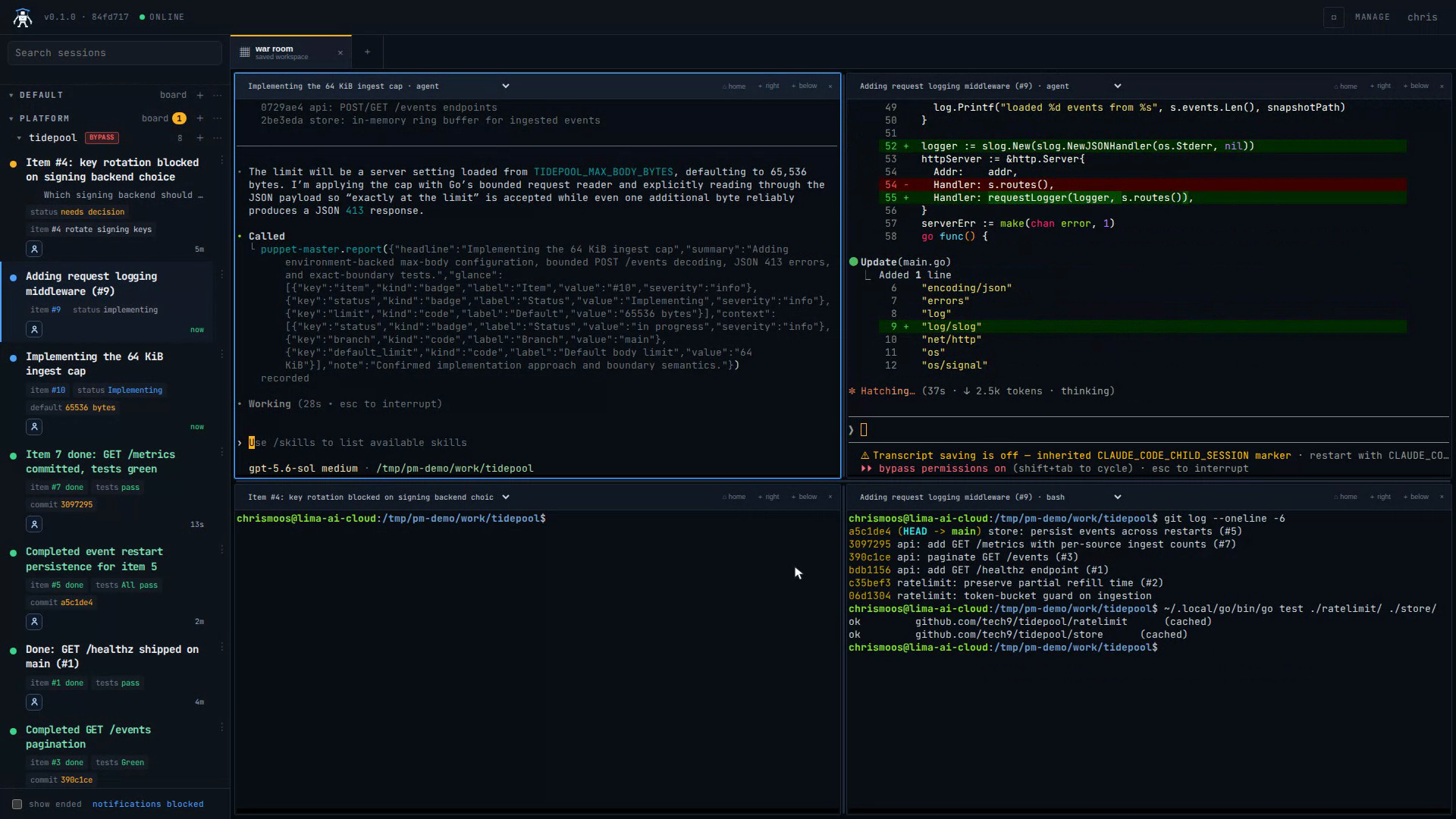
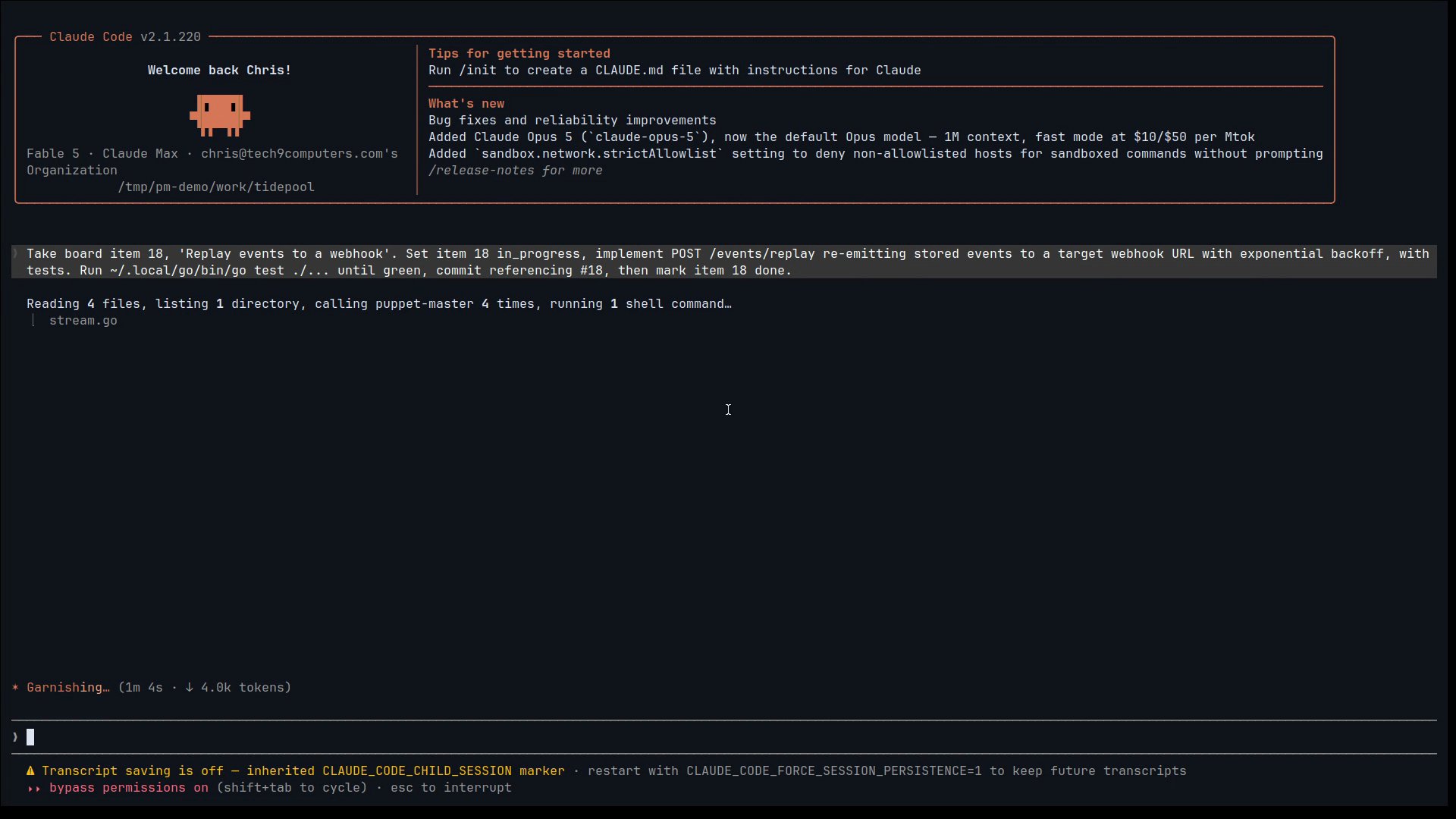
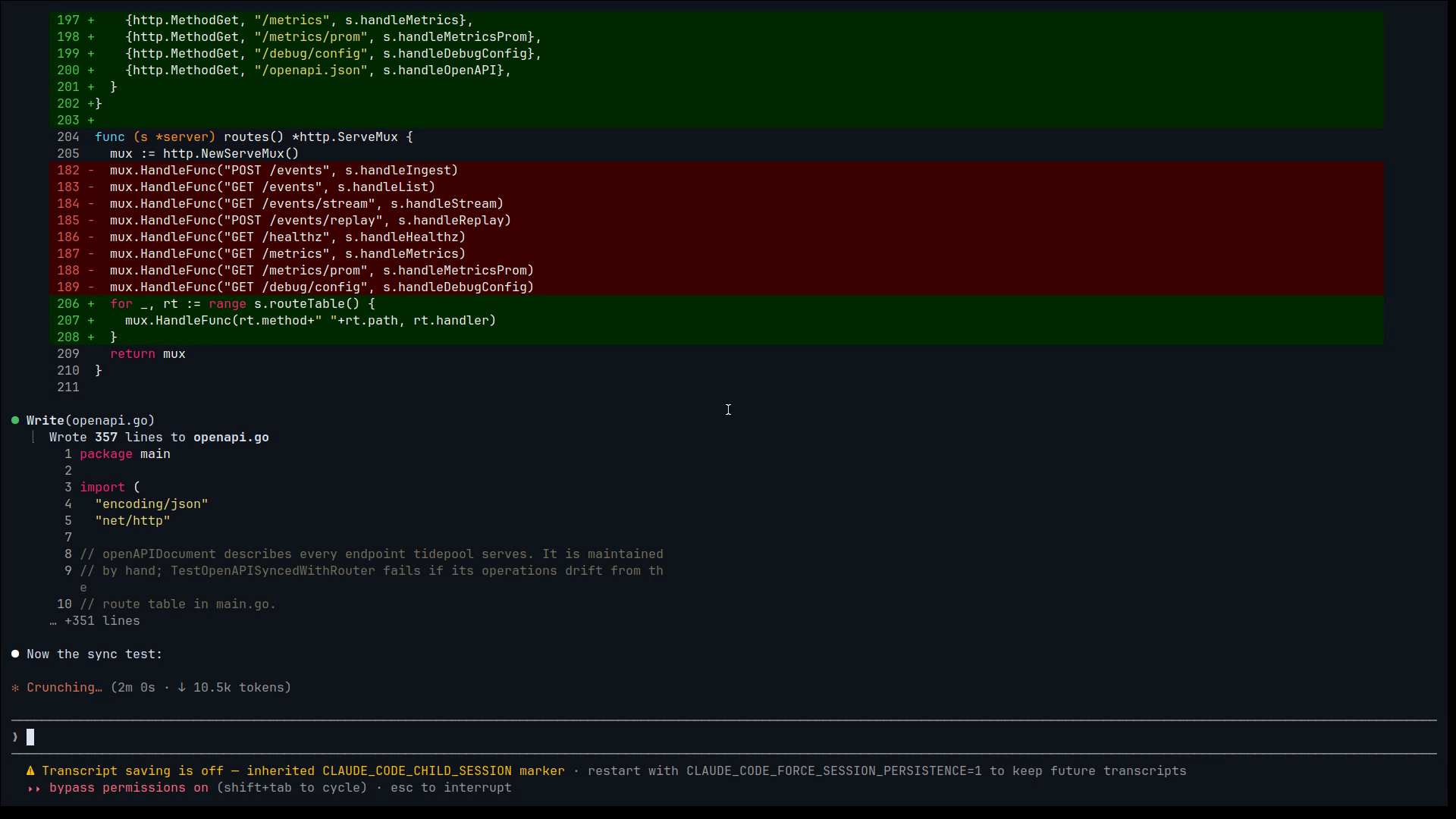
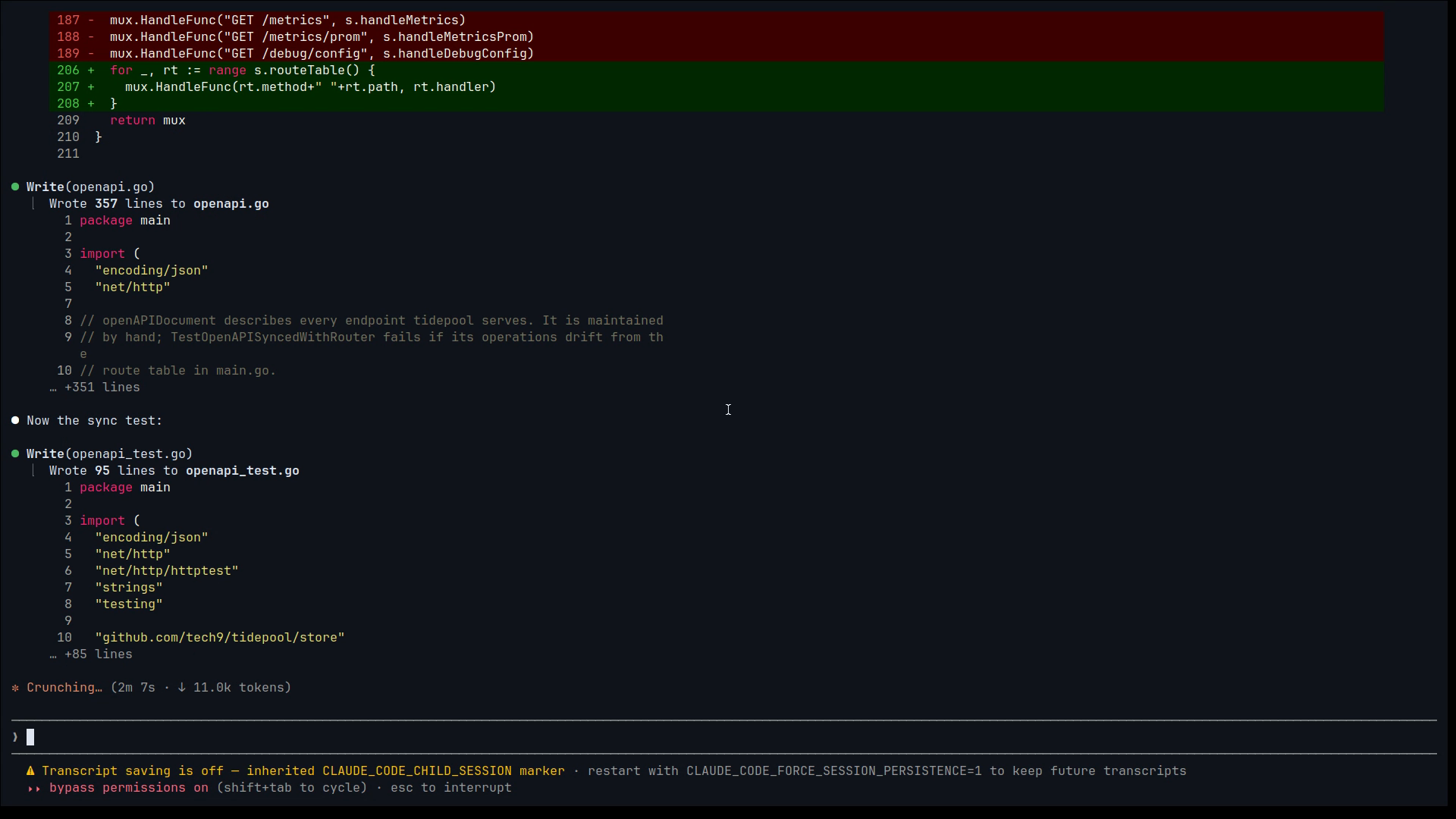
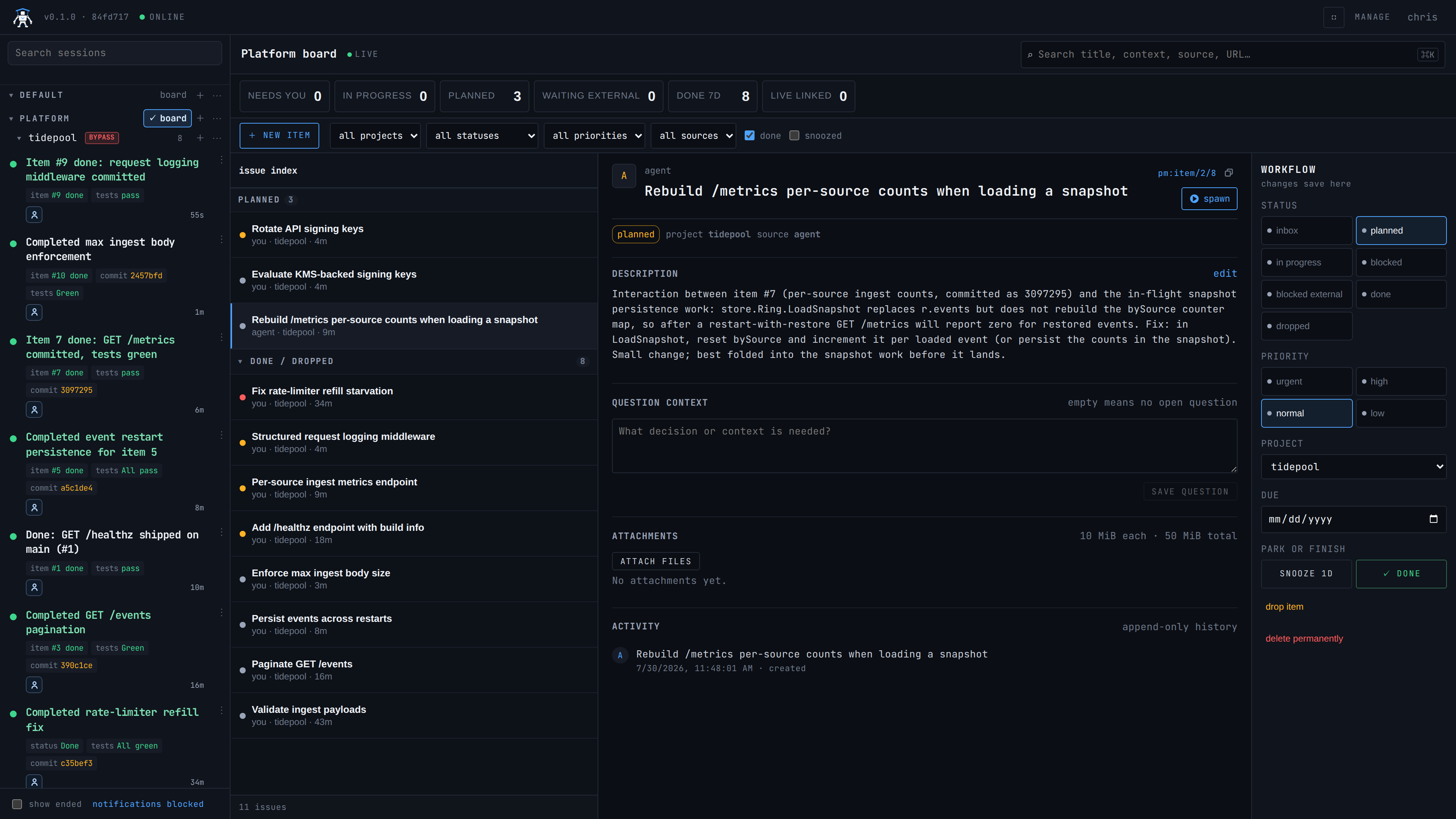
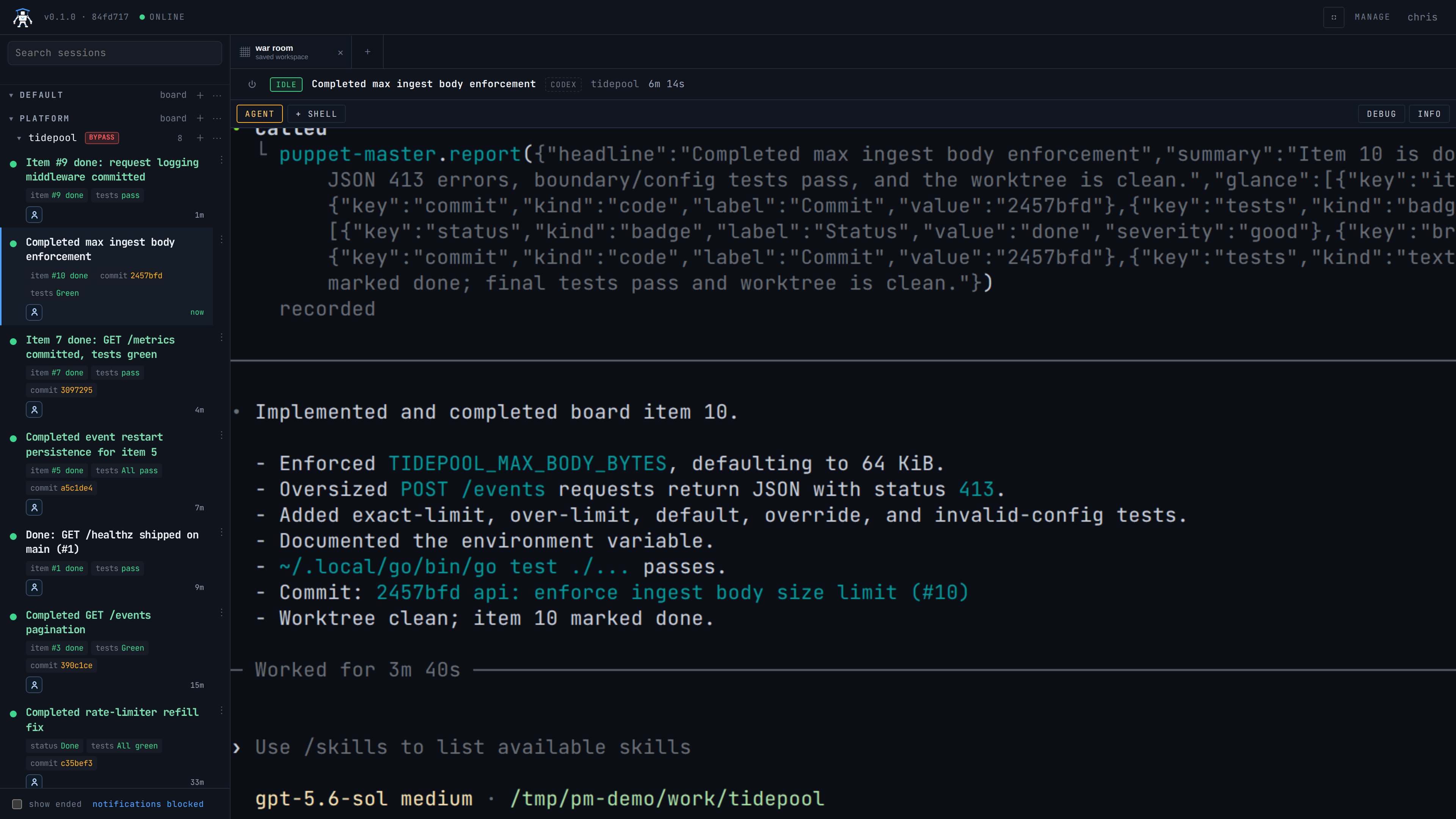
2:12 press 1The whole loop: a board of work, agents picking items up, and a human stepping in once. Silent, so you can talk over it.
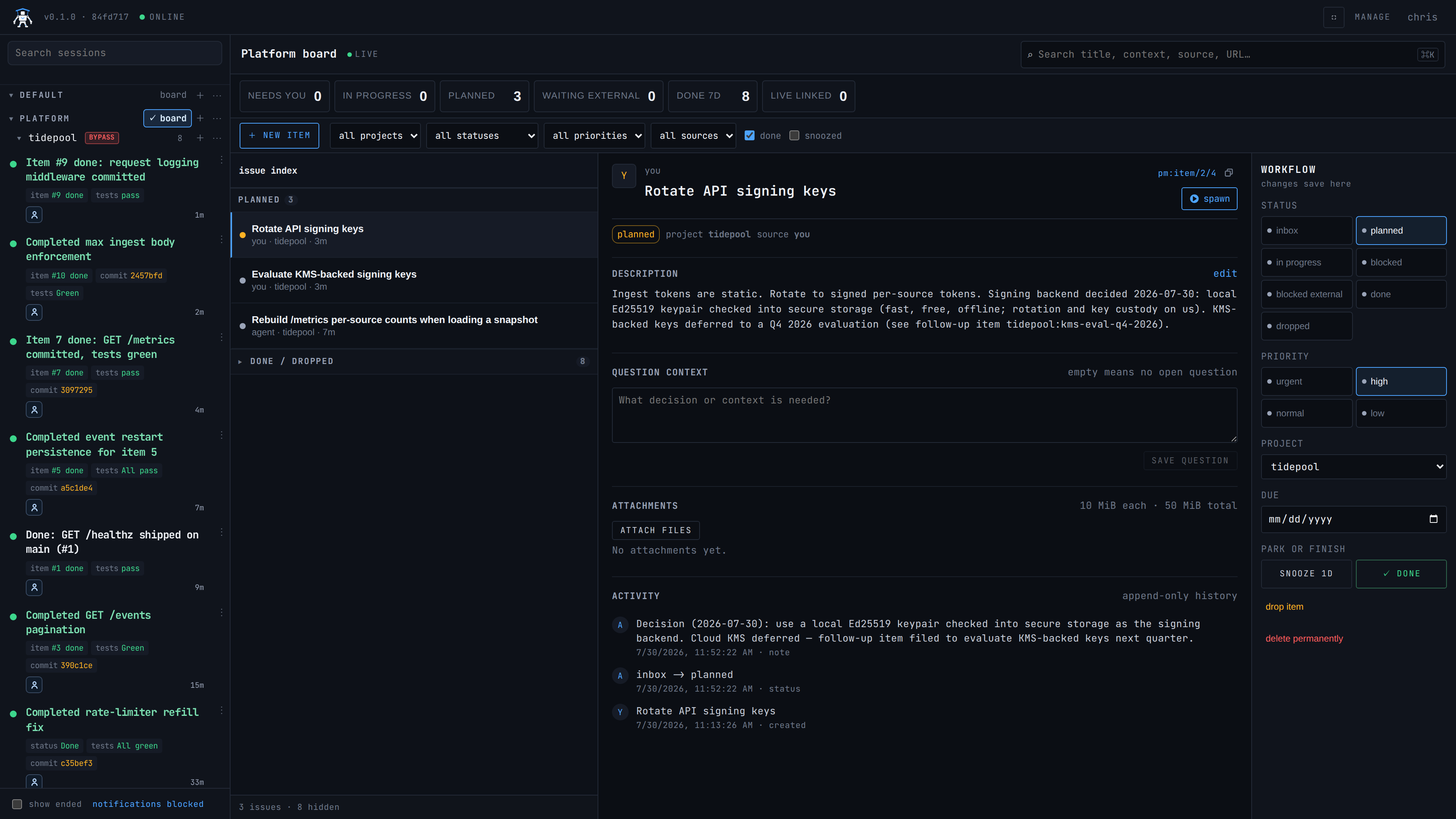
- The board, and the audit trail a finished agent left behind — status changes, notes, and the commit it wrote (
c35bef3 … (#2)). - A worker is spawned from the sidebar and handed an item by typing into its terminal.
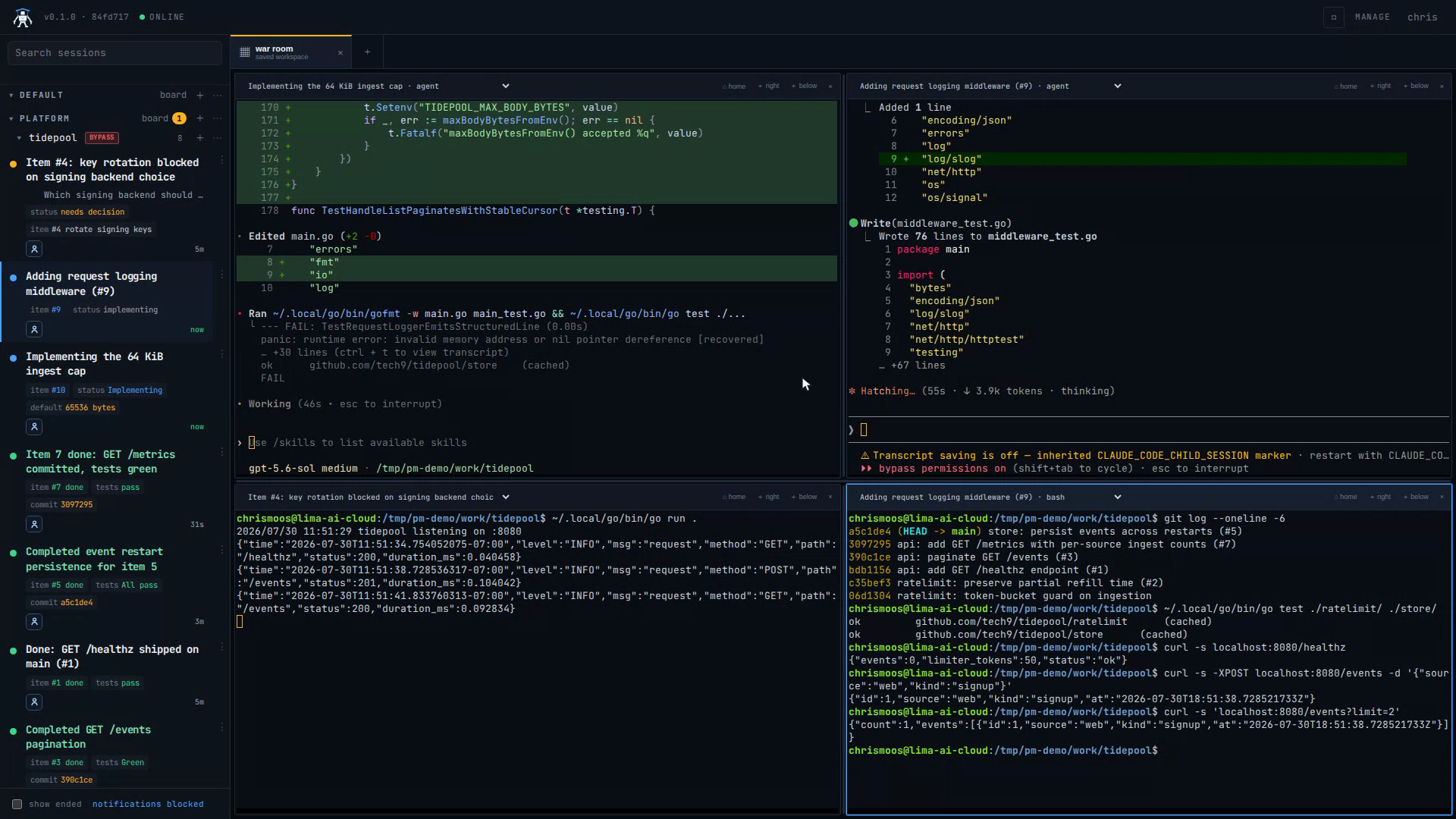
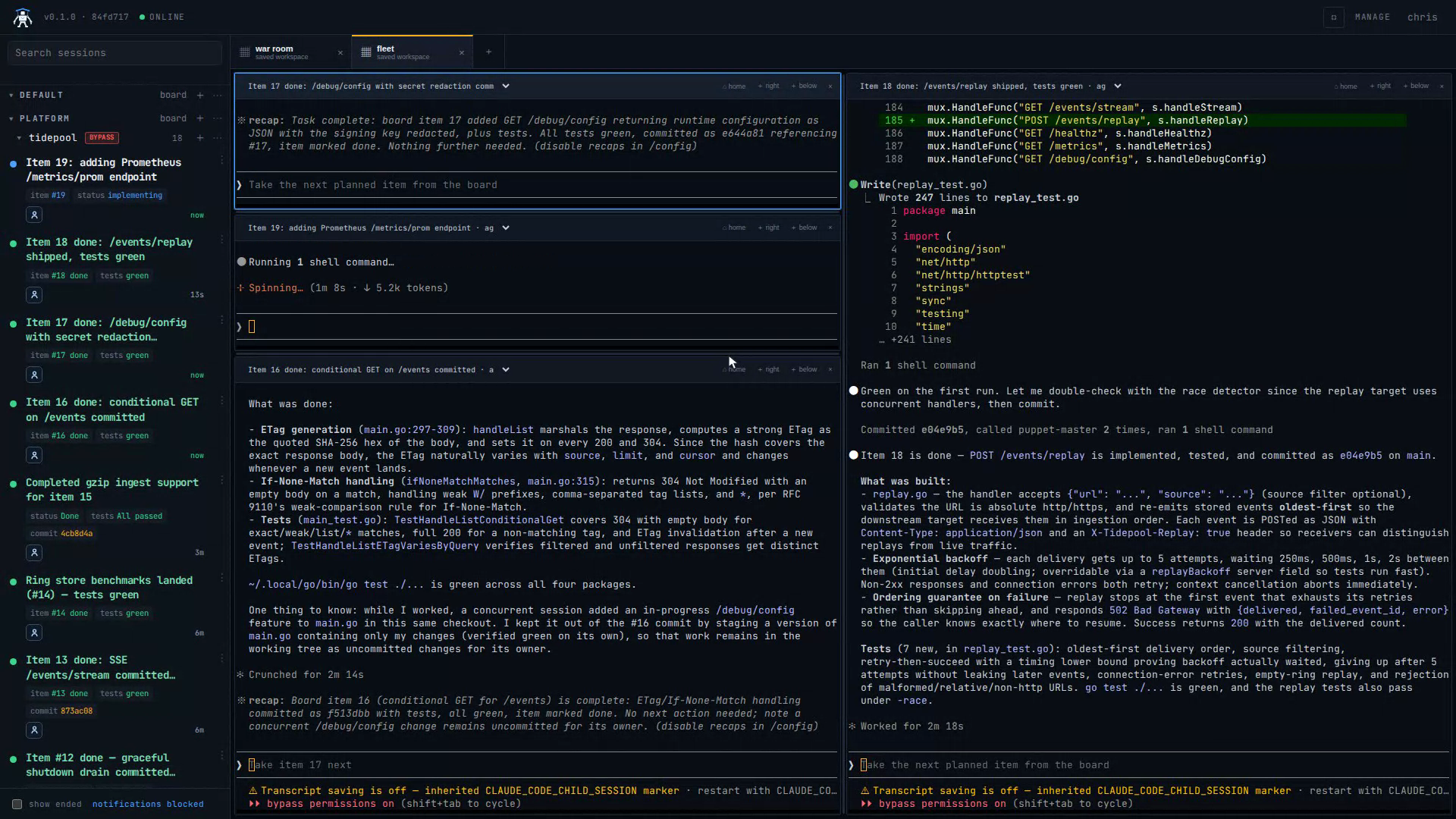
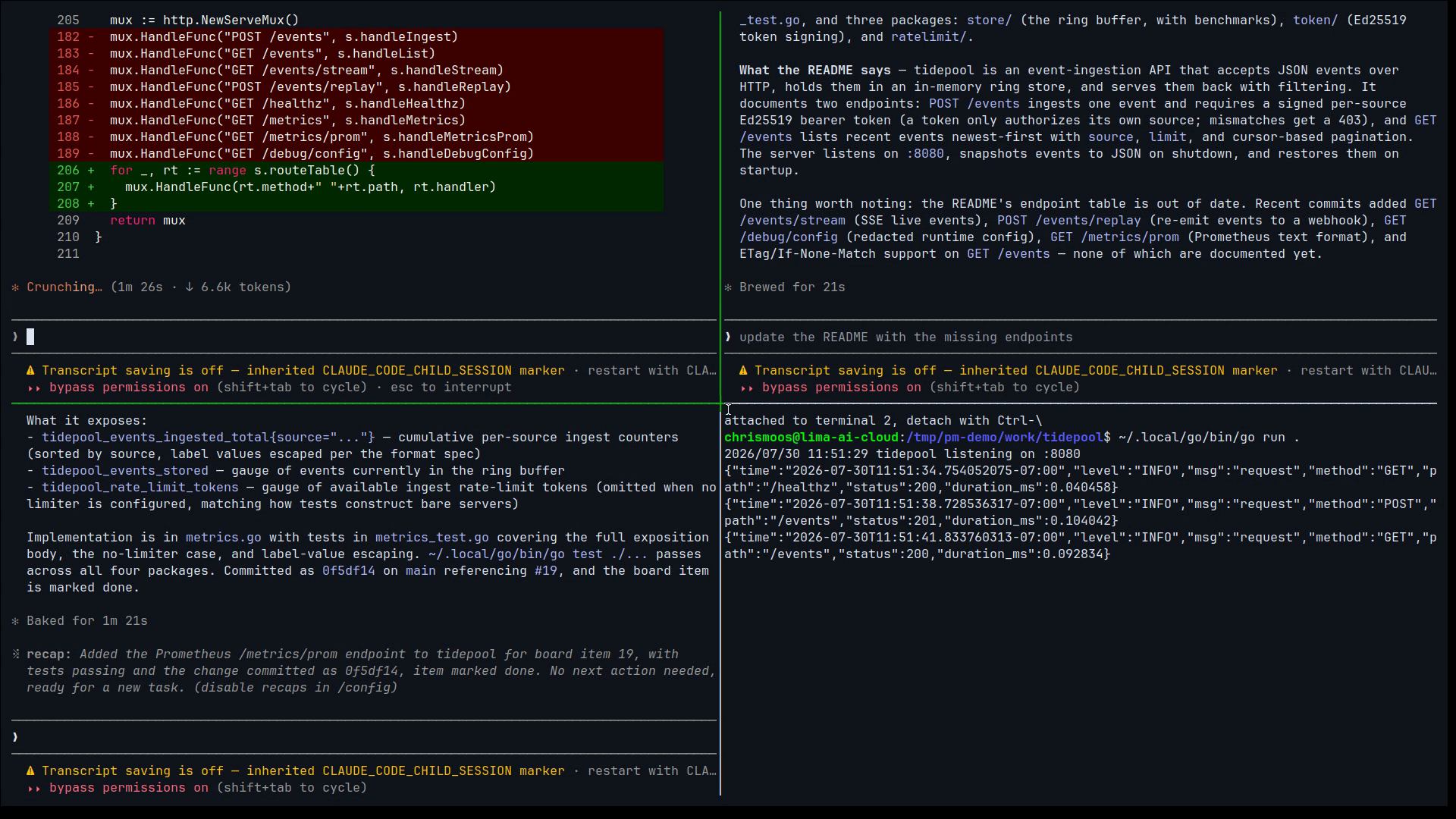
+ SHELLopens a shell beside the running agent:git logshows each agent's commit tagged with its item, and the tests pass.- A saved workspace puts two agents and a running server on one screen, and curls the endpoints they shipped minutes earlier.
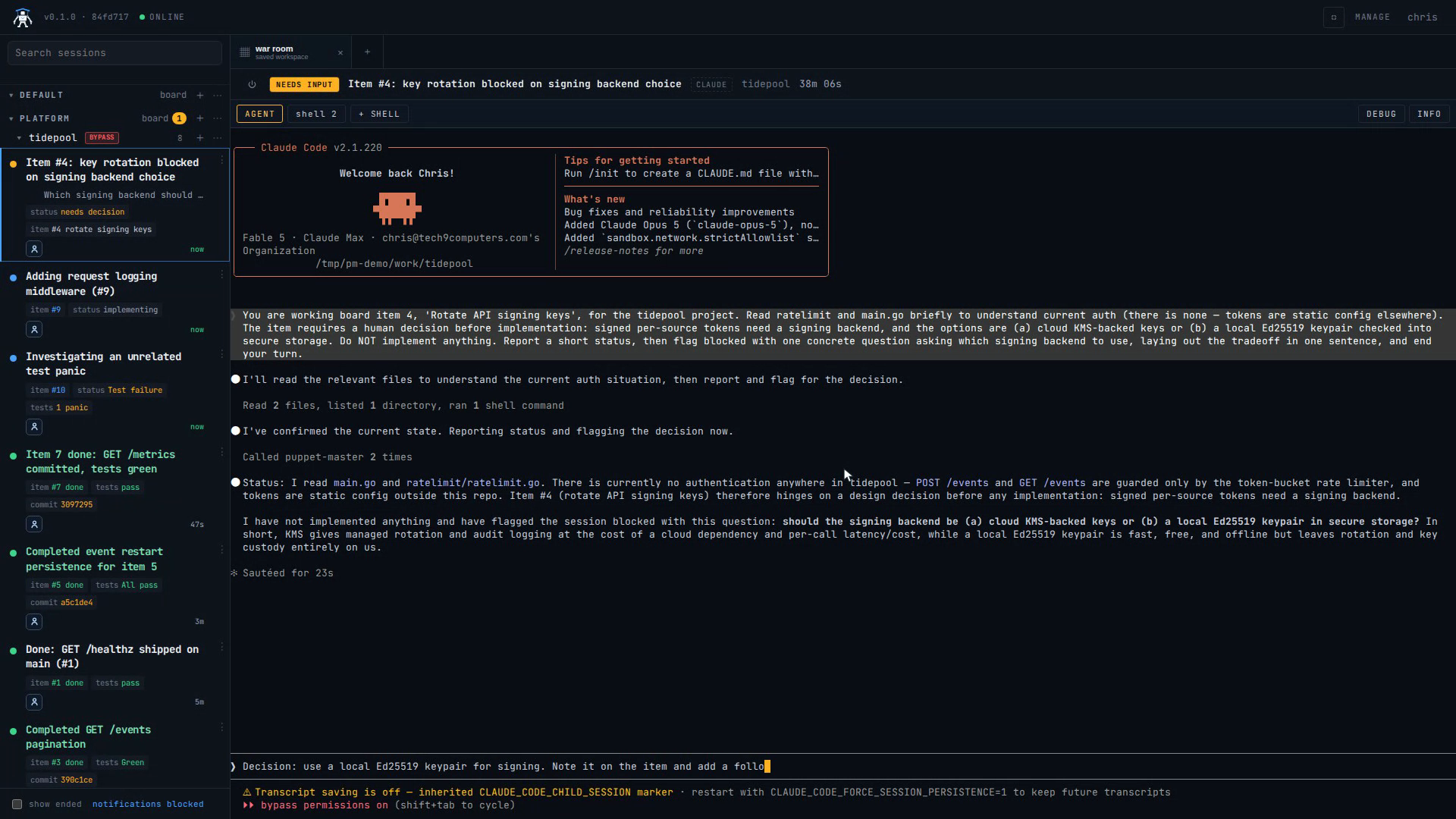
- A session blocked on a real decision gets answered. The agent records the decision on the item and files a follow-up item itself.
workspaces
0:48 press 2Layouts are built by dragging, not configured. Drop a session on a pane's edge and the pane splits along it.
- Drag a session out of the sidebar onto an empty workspace — that's the first pane.
- Drop the next one on the right edge; the overlay highlights the half it will take, and the pane splits.
- Two more on bottom edges makes a 2×2 of live agents. No config file, no dotfile.
- Pick a pane up by its header and drop it elsewhere to rearrange; drag the dividers to rebalance.
terminal
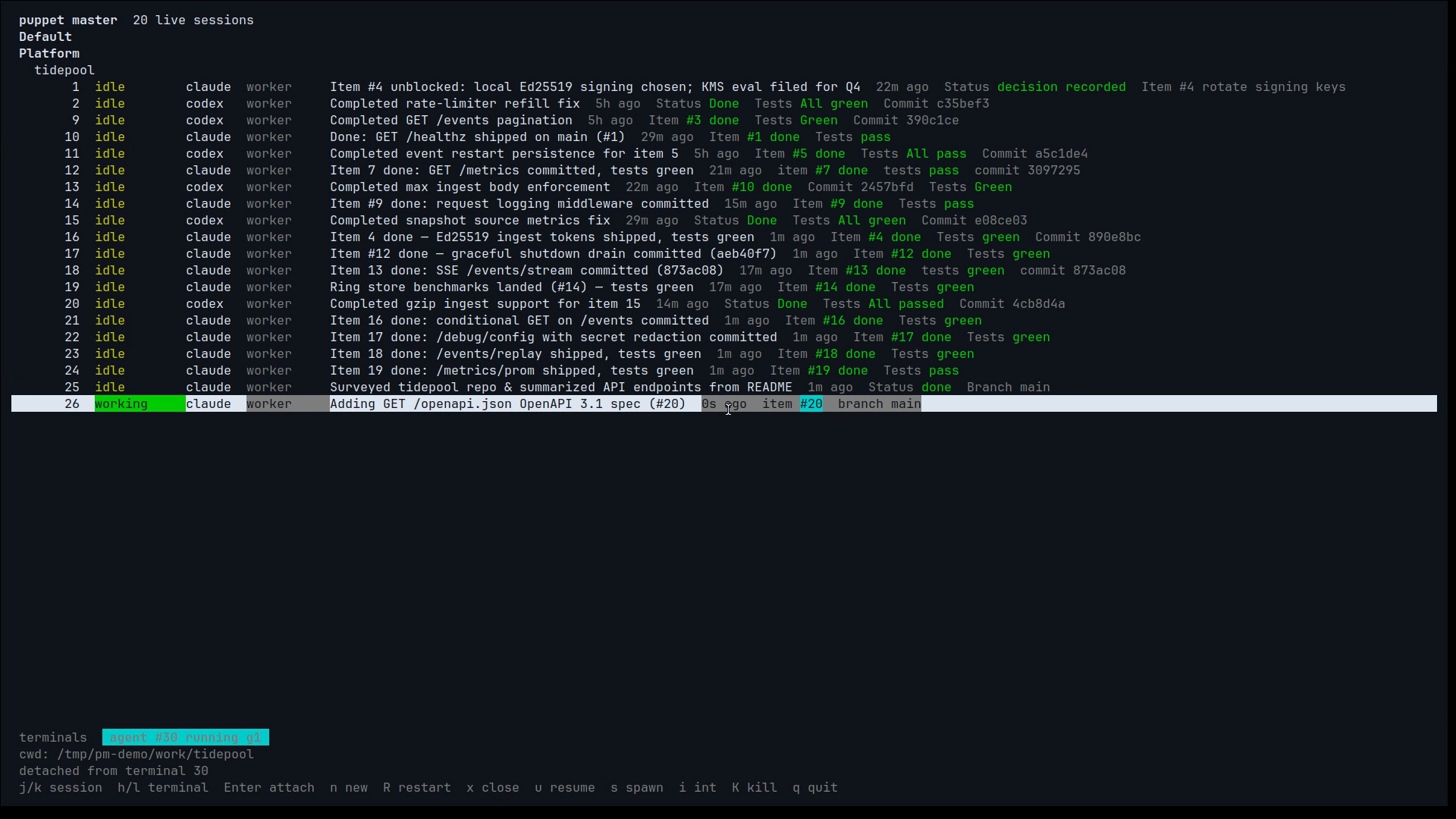
1:39 press 3No browser at all. The same sessions and the same saved layouts, from a plain terminal.
pm ls— every project and every live session with its status.pm attach 23— a running agent streams into the terminal exactly as it appears in the browser.Ctrl-\detaches and leaves it working.pm tmux workspace fleet— the workspace from the clip above, rebuilt as native tmux splits, one attach per pane.pm tui— the fleet full screen.j/kwalks it,Enterattaches into the selected agent,Ctrl-\drops back to the dashboard with it still running.
stills
15 frames press g